Hierarchy
One story, three entrances
Set the same short text for a quick scan, close reading and reference use. Change the hierarchy to suit each task.
DF-EDITORIAL / Type & pages
Typography turns a page into a sequence of invitations. Make the opening clear, the rhythm useful and the detail easy to find.

Before choosing a typeface, decide what someone needs to do: follow an argument, compare a pair of images, find a name or return to a reference. The reading task gives every visual decision a purpose.
A small working vocabulary
Assign a job to each text style: opening, body, caption, reference. If two styles do the same work, consider whether both are necessary.
Choose spacing relationships that survive a change of content. Repeated intervals help a reader recognise structure before reading every word.
An exception needs a reason. Use a distinct treatment for a genuinely different kind of content, then make that treatment repeatable.
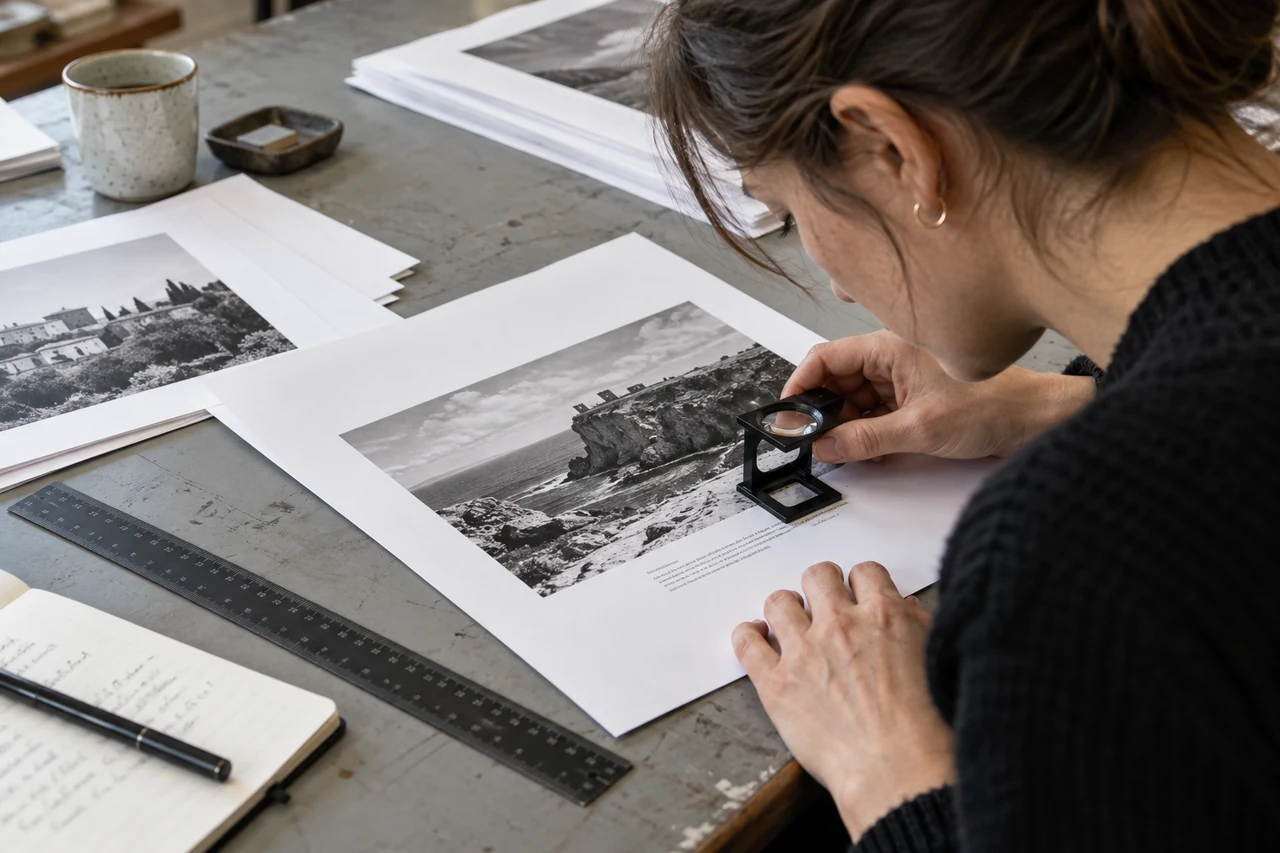
From the eye to the hand
Screen zoom can make uncomfortable type seem reasonable. Print a representative proof and check the body text, captions and references together.
Small text deserves a full-size decision.
The editorial route
Gather the material. Establish roles. Read the proof. Revise the object.
Separate the central argument from supporting evidence and references.
Give each kind of content a recognisable role before styling individual pages.
Read the opening, a dense middle section and the ending as one sequence.
Make production decisions with the actual format and process in view.
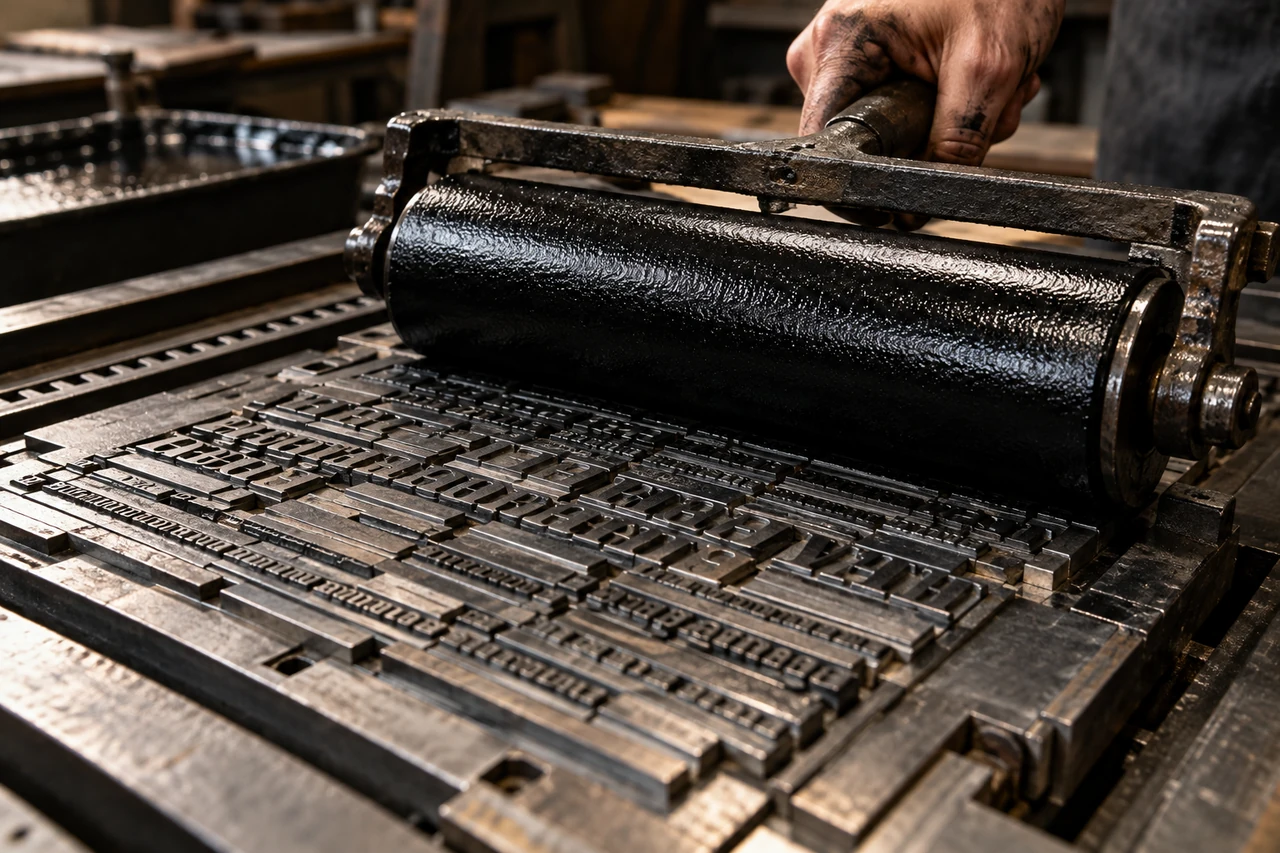
An editorial conversation
Can someone skim the argument, follow a reference or find a name? Evaluate a layout against a reading task rather than an abstract preference.
Invite a reader who has not seen the material. Their first hesitation is valuable evidence.

The practice index
Hierarchy
Set the same short text for a quick scan, close reading and reference use. Change the hierarchy to suit each task.
Rhythm
Build a six-page sequence with one quiet spread. Decide what the pause prepares the reader to notice.
Detail
Take a crowded image page and reconnect each caption to its image. Use position and spacing before adding rules.
Hierarchy
Create a clear opening without making the title larger. Explore placement, weight and surrounding space.
Rhythm
Replace a short paragraph with one twice its length. Find where the system needs a rule instead of a manual adjustment.
Detail
Print three caption sizes at the final format. Compare reading comfort under ordinary lighting, not magnification.
Before the final proof
Use a representative printed section. This checklist stays in the page and does not submit information.
0 checks complete
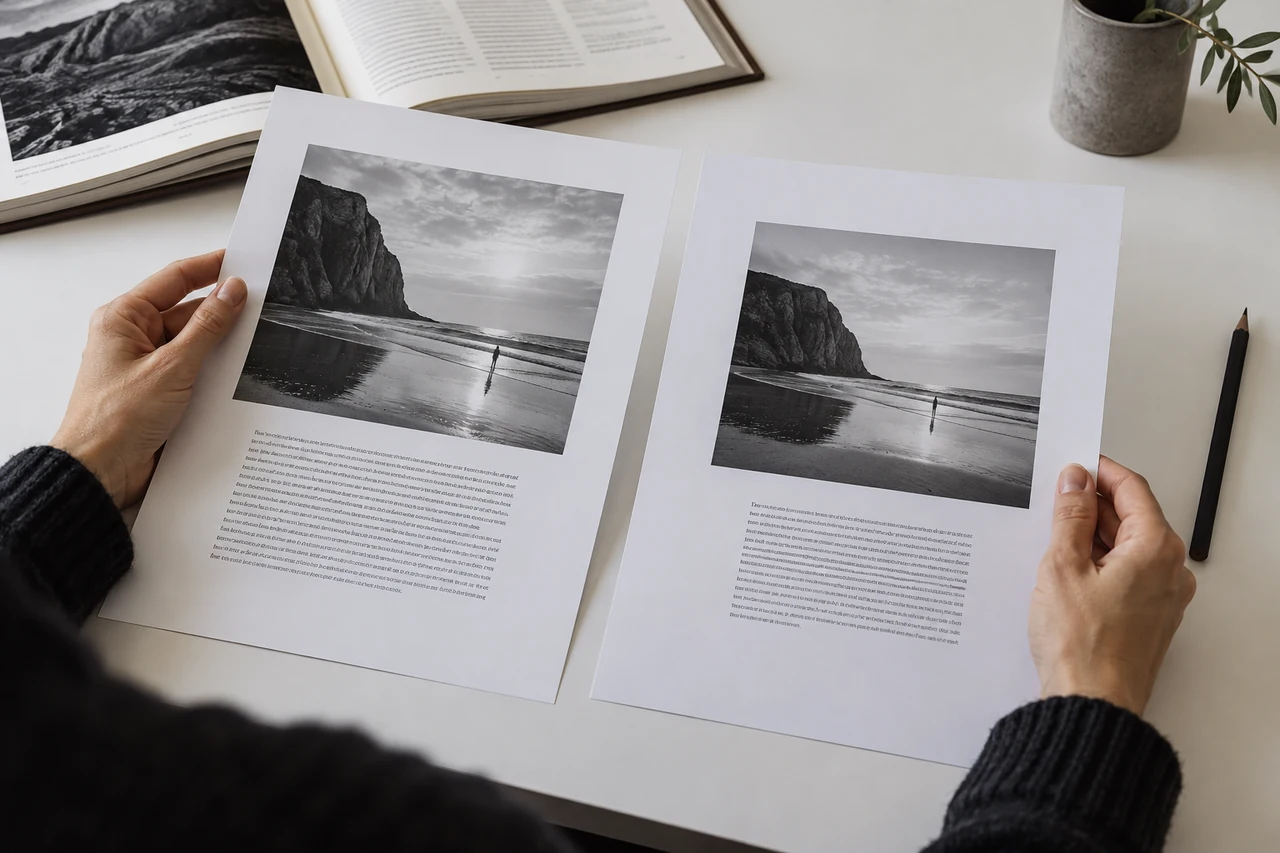
Material can be read
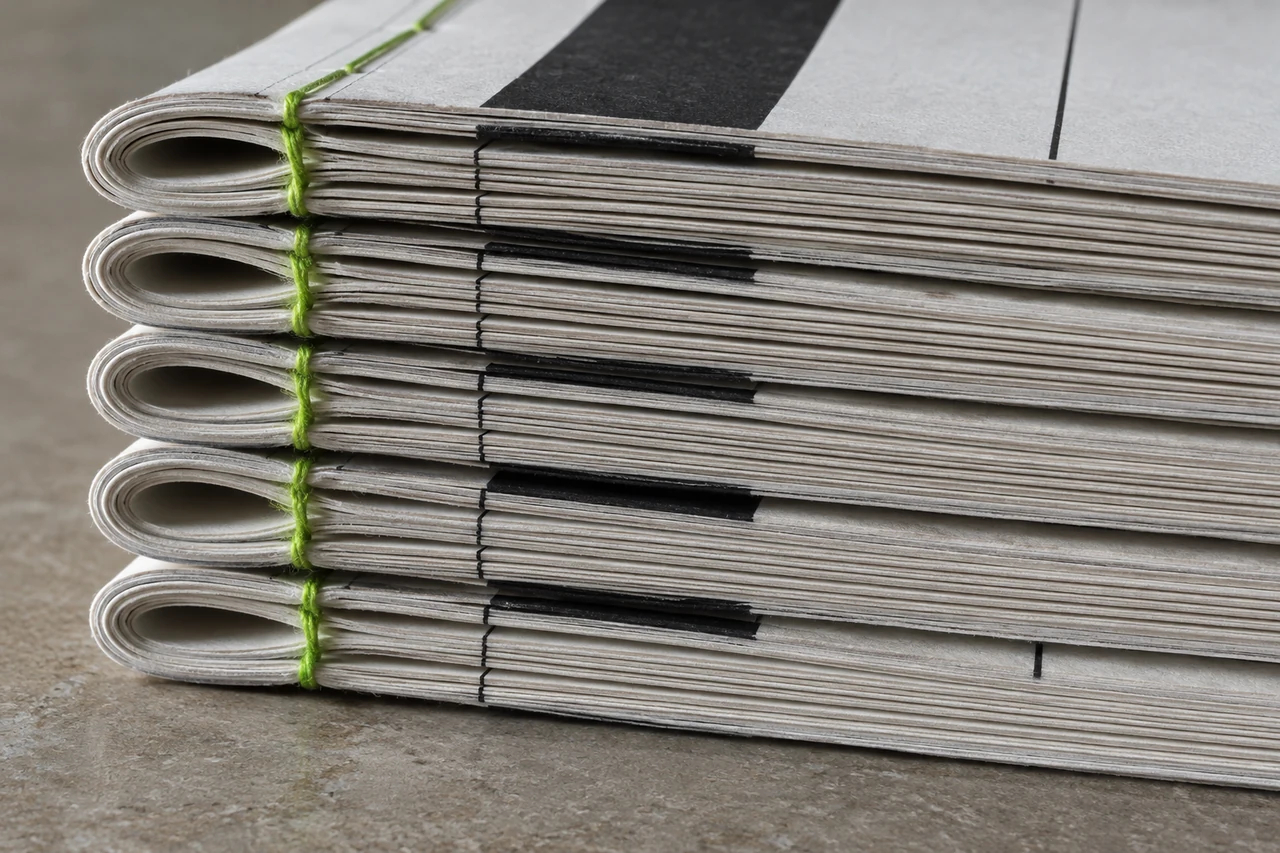
Margins, paper, binding and trim change the encounter. Keep critical information away from uncertain edges and confirm tolerances with the actual producer.

From the desk to the wall
Pin up the opening, middle and ending. Read across them before looking at each spread alone. Repetition should create orientation without making every page equally loud.
Leave one quiet page.
A deliberate pause can make the next idea feel necessary.


The object that remains
Give the material the space it needs. A clear typographic logic can connect different formats without forcing them into one cover.
In the proof margin
Start with the job the reader needs the page to do.
Start with one family that can perform the required roles. Add another only when it solves a specific editorial problem that weight, scale or spacing cannot solve clearly.
A grid is a set of relationships. It should help organise different kinds of content while allowing justified exceptions, not make every page look the same.
No. Sustained reading needs a range of intensity. Reserve the strongest gestures for moments where the content earns them.
The photographs illustrate editorial processes and objects created for this guide. They are not downloadable publications or advertised commercial editions.